Ledger Options
Resident Ledgers: Charges & Payments
This article introduces the ability to edit charges, reverse transactions, and apply concessions, providing complete control over tenant billing and accounting records within ExactEstate.
Managing Charges and Ledger Options
When a charge has been added to the system, you can access additional management options by clicking the Options Icon located in the corresponding payment row of the resident ledger.
The available options include:
-
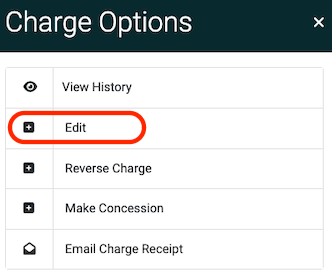
Edit Transaction Code & Charges: Select the Edit option to modify the transaction code or adjust the charge amount.
-
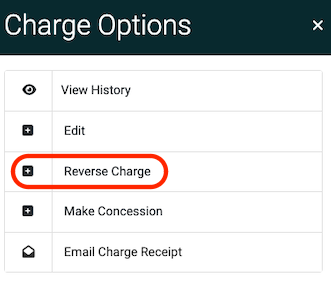
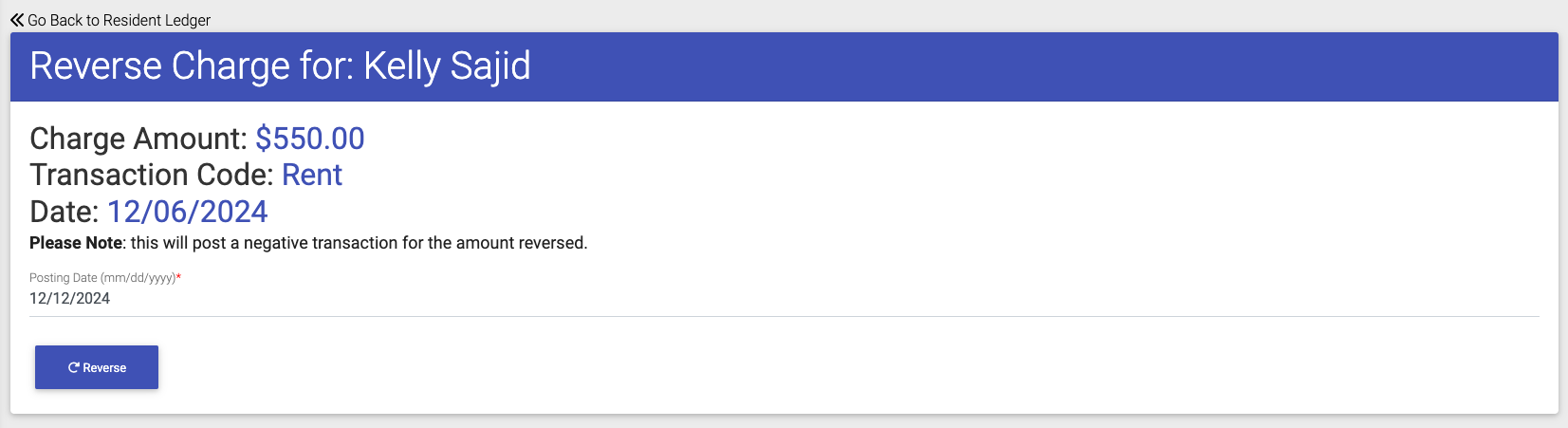
Reverse Charge: Use the Reverse Charge option to cancel or undo an existing charge.
-
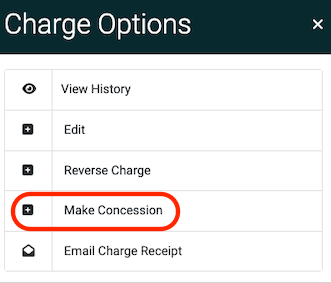
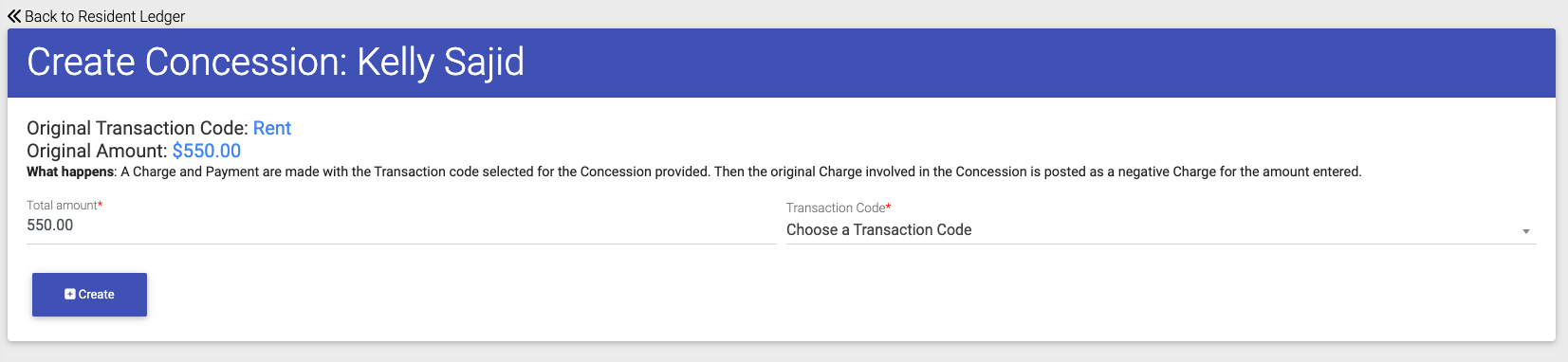
Make Concession: Choose the Make Concession option to apply a discount or adjustment to the balance.