ExactEstate's Table Functionality
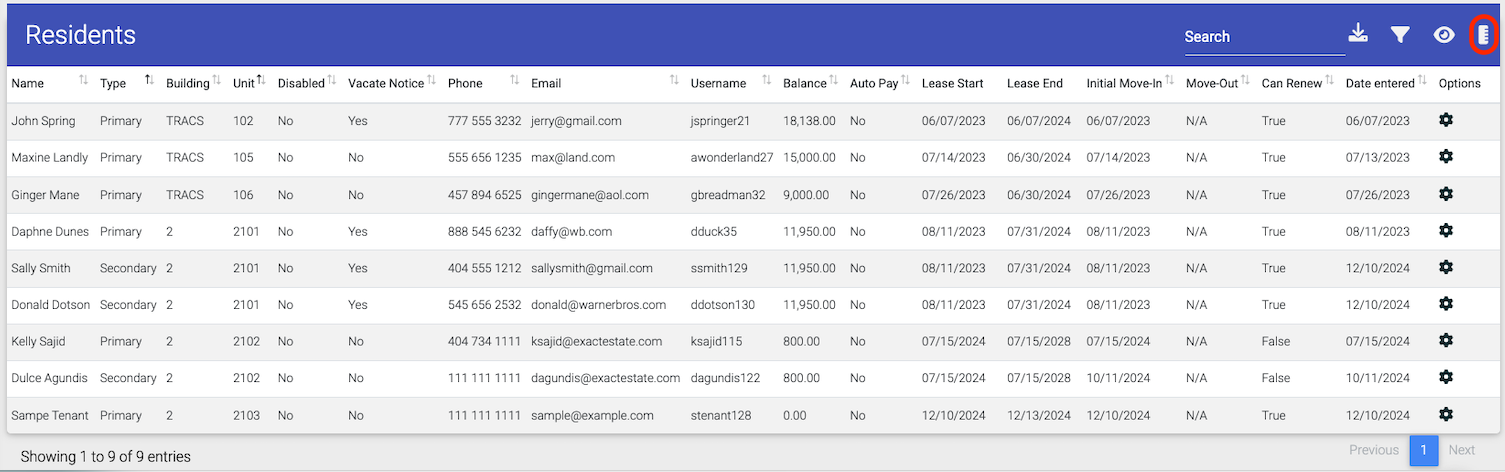
The majority of tables within our system are equipped with a powerful set of tools to help you manage and analyze your data efficiently. These functionalities include robust searching, flexible export options, detailed filtering, customizable column visibility, and page size adjustment.
Searching
-
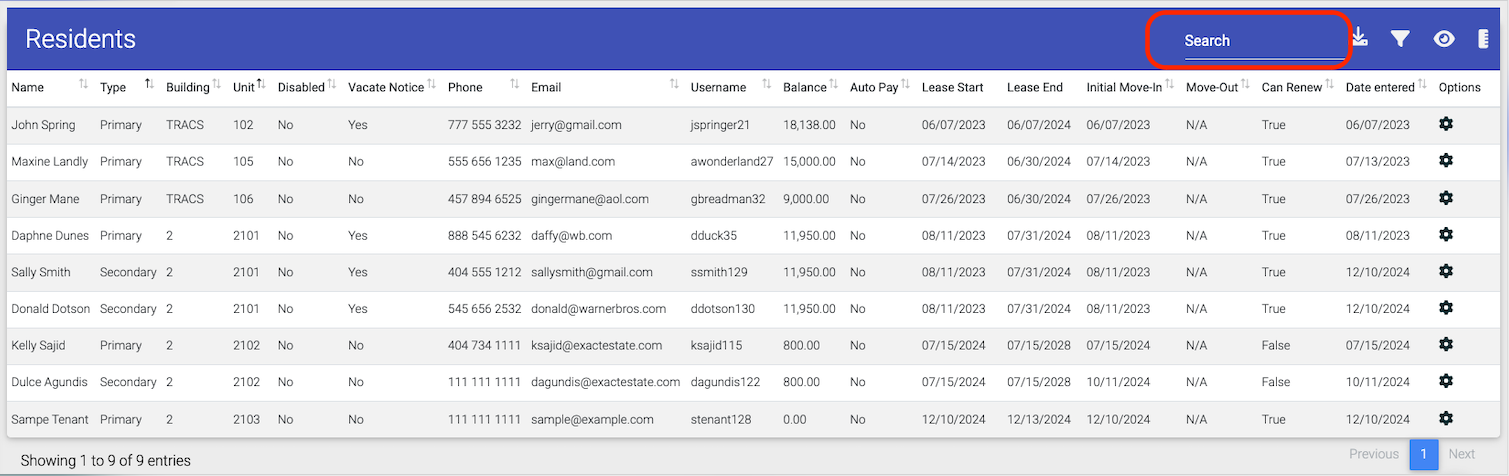
Quickly find data: Type your search term directly into the search bar. Results will be displayed instantly as you type.
-
Note: Not all data elements in every table are searchable.
-
Exporting
-
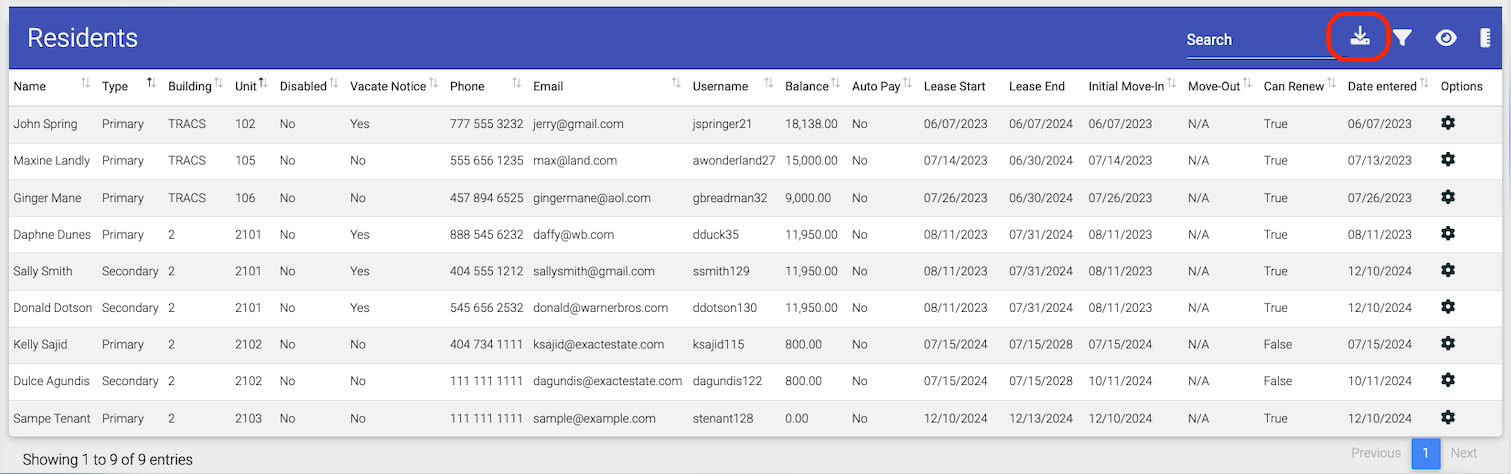
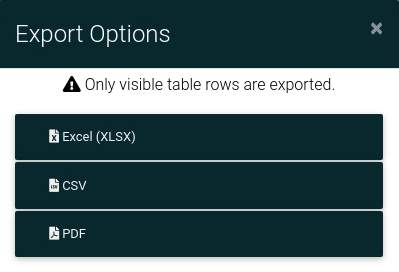
Click the Export icon.
-
Choose the desired format (PDF, Excel, or CSV).
-
Please note that only the visible data will be exported.
Filtering
-
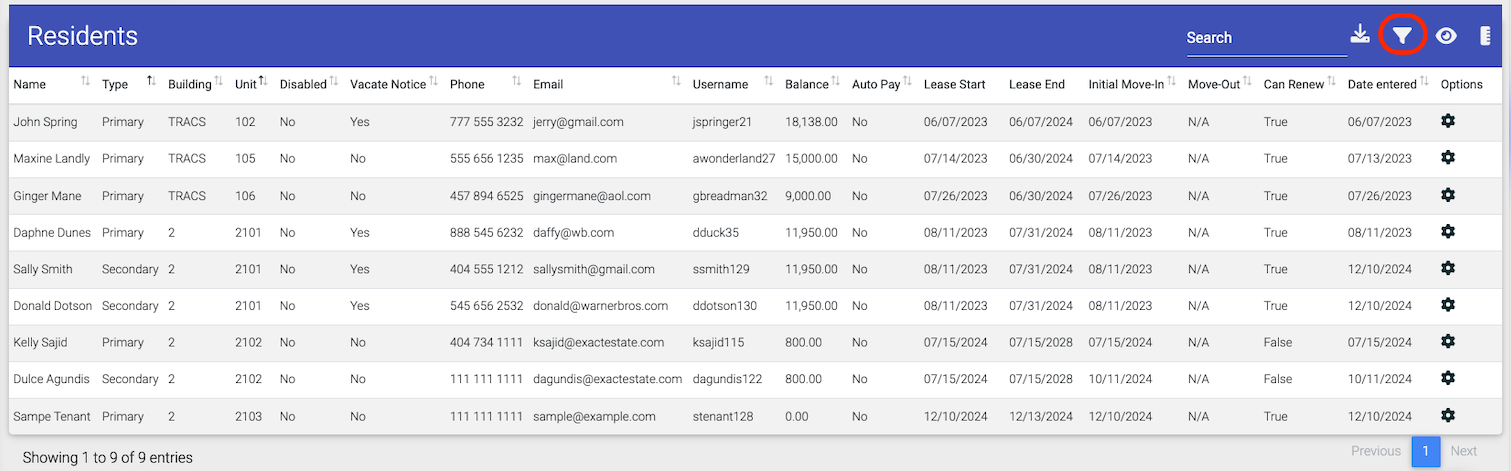
Refine results: Use the filter options in the pop-up modal to narrow down the displayed data.
-
Clear filters: Click "Clear Filters" to remove all applied filters.

Column Visibility
-
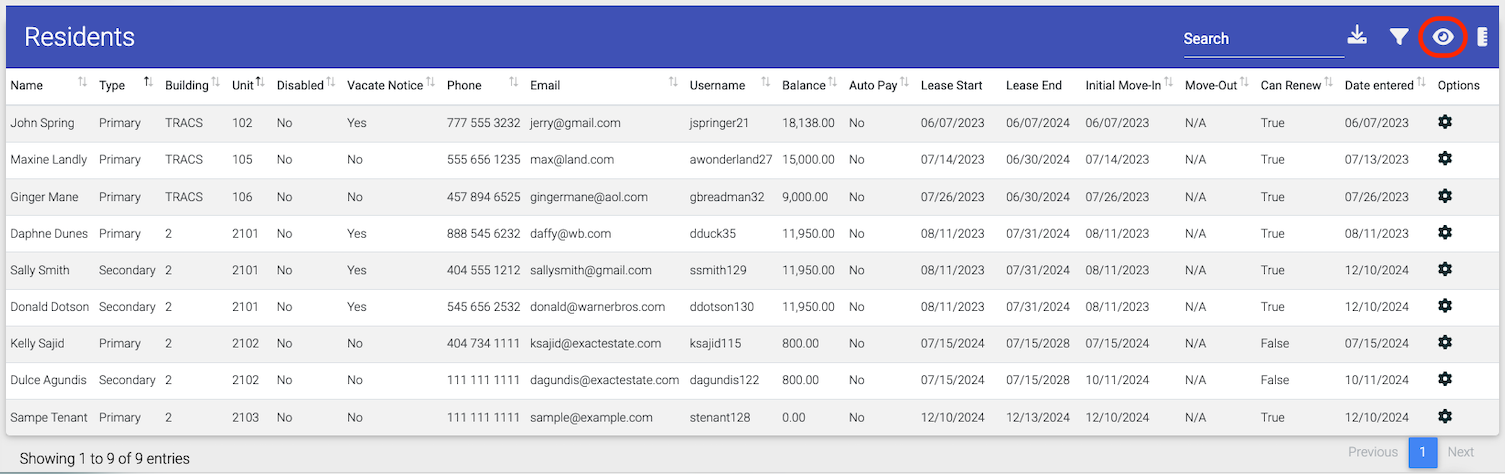
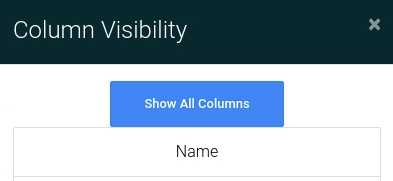
Show or hide columns: Click a column header to toggle its visibility.
Page Size
-
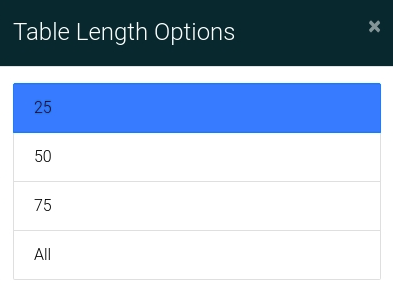
Adjust the number of items per page: Choose between 25, 50, 75, or "All" items.